


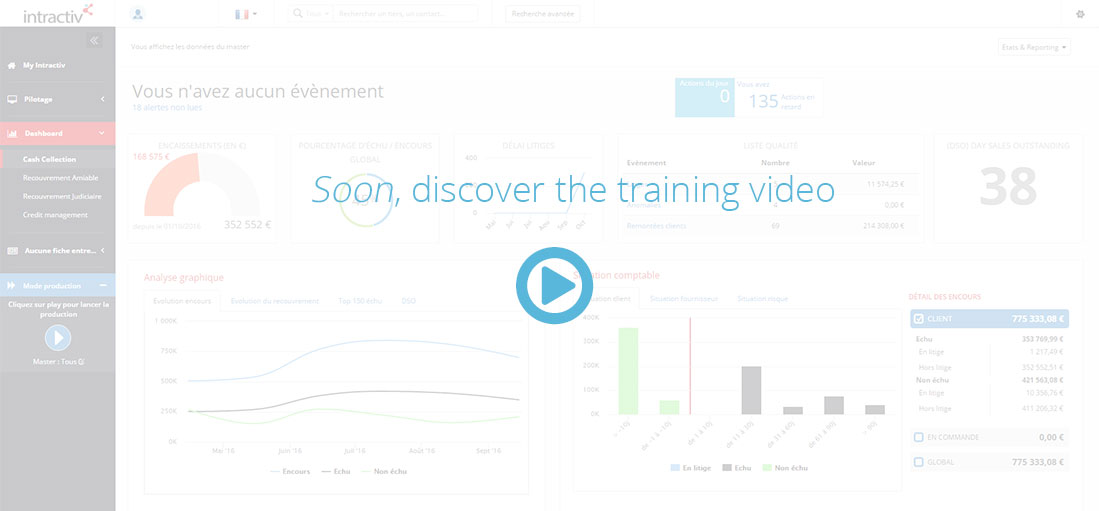
In case of a multi-masters user profile, you shall see a global statement or filter informations to a particular master via the “consolidation” button
The list of presented actions and synthesised reports are thus adapted to the level of filter.
Menu
The drop-down menu “Menu” provides direct links to create a campain or see the actual list of campains, or even create a new account
Reporting
The drop-down menu “Reporting” lists the set of specific reports attached to the user rights and profile.
Media
The drop-down menu “Media” provides direct links to manual media action creation tool.
Widgets
Standard widgets give information about:
- Action volume evolution
- Action volume by type of actions
- Daily, weekly and monthly volumetric actions ratio
Flow management board
This board is intended to manage all the created actions that your rights and profile allow you to access.
Any action shall be dedicated to a user, a team and a shared services center.
At the end of each line of action, you can:
- see the comment of the action
- perform an action
A drop-down menu at the top right edge of the board give the opportunity to isolate arbitration actions. The arbitration action is generated if a decision-making is needed.
Filters shall be applied, as well as internal or external action shall be transfered.