


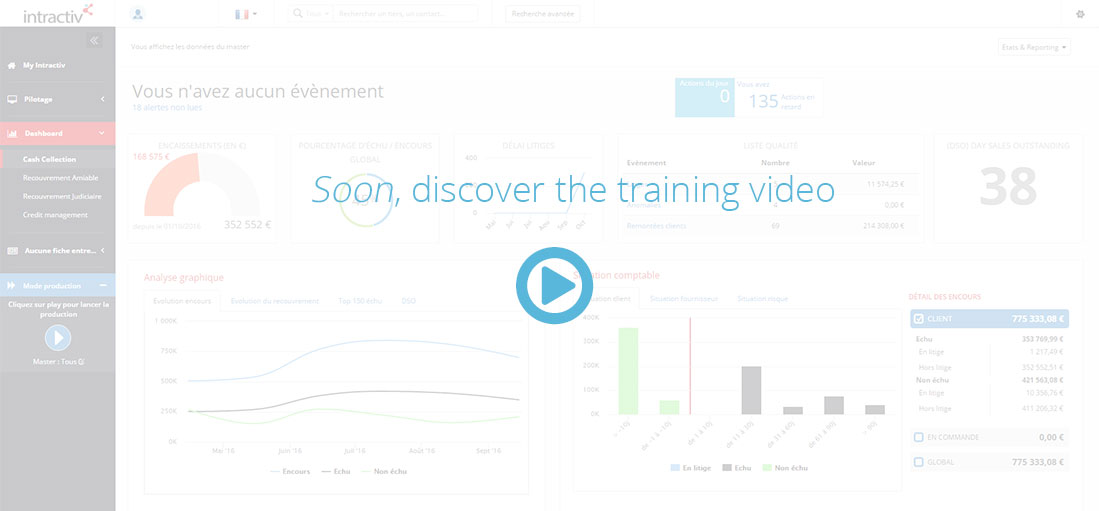
In case of a multi-masters user profile, you shall see a global statement or filter informations to a particular master via the “consolidation” button.
The list of events and synthesised reports are thus adapted to the level of filter.
Menu
The drop-down menu “Menu” provides direct links to create a campain or see the actual list of campains, or even create a new account
Reporting
The drop-down menu “Reporting” lists the set of specific reports attached to the user rights and profile
Media
The drop-down menu “Media” provides direct links to manual media action creation tool
Quality tab
- Standard widgets give information about:
- Distribution of dispute by age
- Event distribution by type
- Average resolution delay by event
- Event list board
By default is presented the list of opened disputes. It is also possible, via the drop-down menu at the top right of the board, to list opened discrepancies, feedbacks and tickets. Filters of the board help to list solved/opened events and determine the relevant period.
Thanks to the three buttons at the top left of the board, it is possible to:
- Export the list to an excel file
- Resolve several events in a single operation
- Transfer an event to a user contact
Dashboard tab
Here are presented dashboards related to global customers and suppliers data (data outside rights and profile perimeter is also included).
Graphic analysis synthesizes data and restore informations about:
- Dispute resolution delay
- Disputes per portfolio
- Disputes per group
- Disputes per seriousness level
- Discrepancies per portfolio
- Discrepancies per group
- Customer’s feedbacks per portfolio
Every graph refers to the data board on below.