


360° view
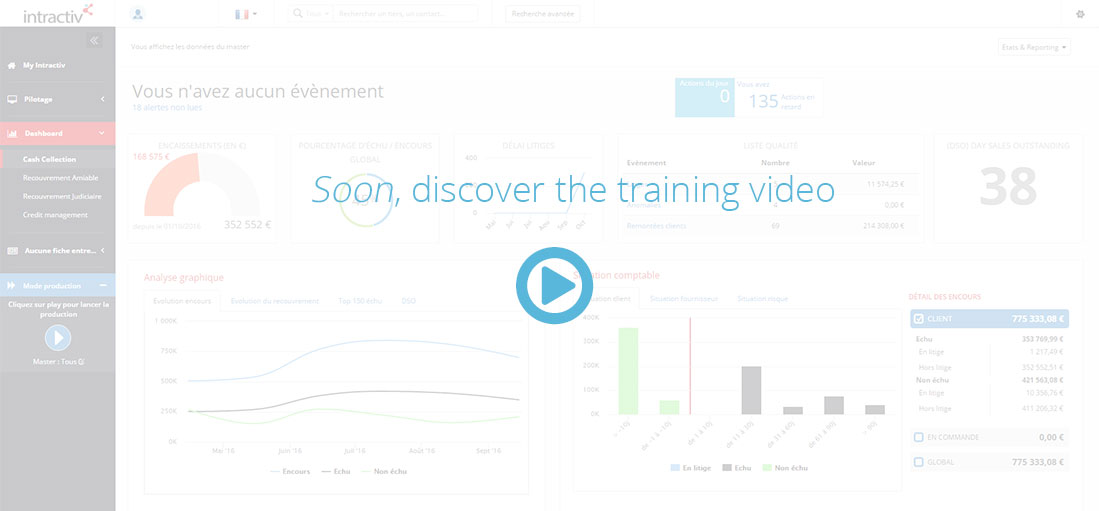
Intractiv shall deliver a lot of informations. The 360° view is composed by widgets related to your rights and profile. The 360° view offers a global view of the third party.
Widgets :
According to your rights and profile, you shall access to the following informations:
- Legal informations of the company or the main company
- Customer/supplier segmentation information
- The current outstanding customer/supplier situation
- Internal and external contact forms
- Last done actions history
- Business opportunity evolution
Some widgets include direct links to the concerned function area (for example the quality list)
Some others are just the result of the expert system calculation (for example the accounting situation)
Menu
The drop-down menu “Menu” provides direct links to additional items related to the third party: history, analytical informations, contacts, customer/supplier details, request an agreement, create a new account, see or create a campain
Reporting
The drop-down menu “Reporting” lists the set of specific reports attached to the user rights and profile
Media
The drop-down menu “Media” provides direct links to:
- Manual media action creation tool
- Added dematerialized documents attached to the third party